Referral & Commission System
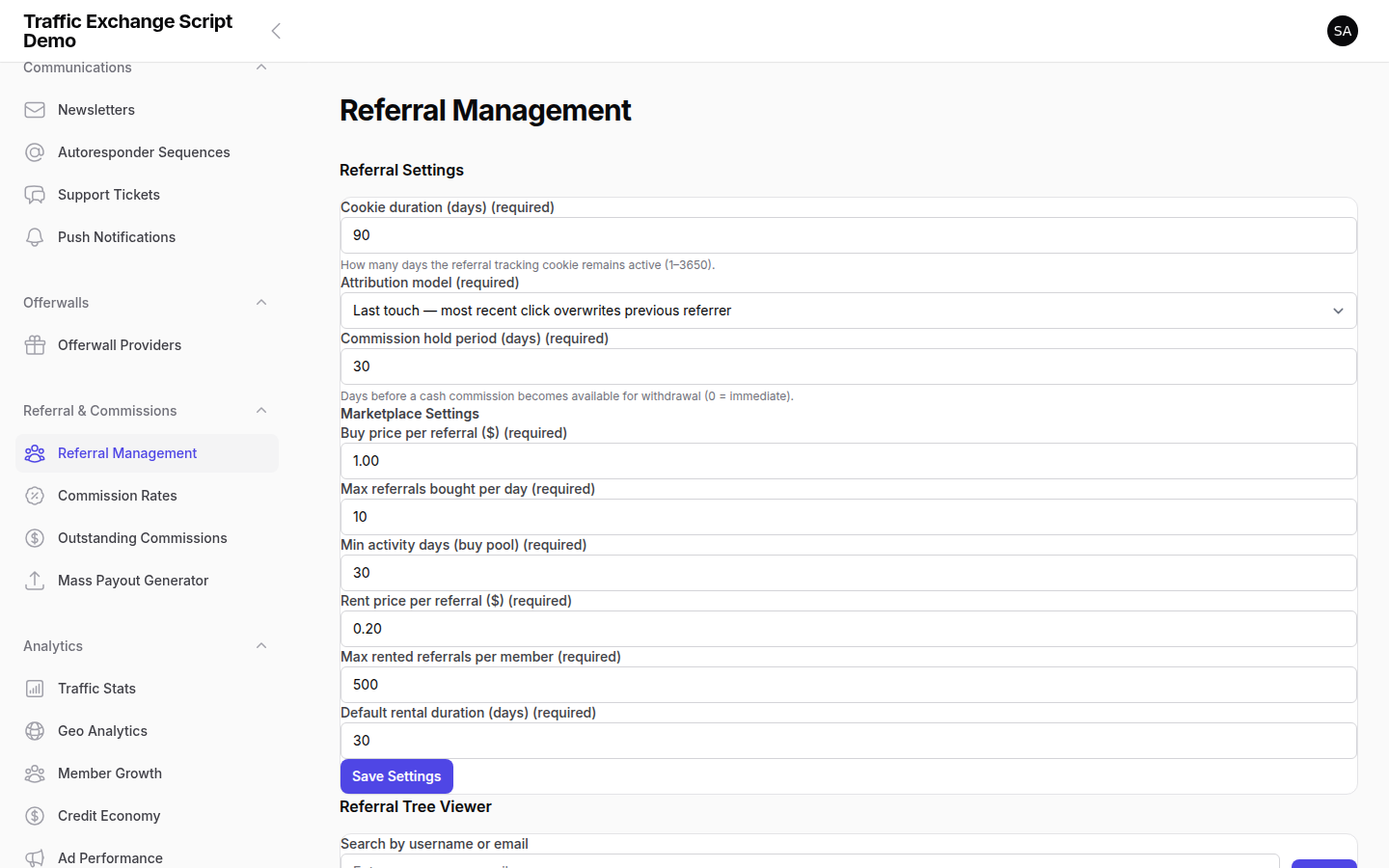
Traffic Exchange Script includes a complete referral and commission system. Members earn commissions when people they refer make purchases. As the operator, you configure the commission rates, maturity periods, and payout rules.
How the Referral System Works
- Each member gets a unique referral link (e.g.
https://yourdomain.com/ref/username) - When someone registers using a referral link, they are attributed to that referrer
- When the referred member makes a qualifying purchase, the referrer earns a commission
- Commissions mature after a configurable waiting period
- Mature commissions can be withdrawn or used for purchases
Commission Types and Rates
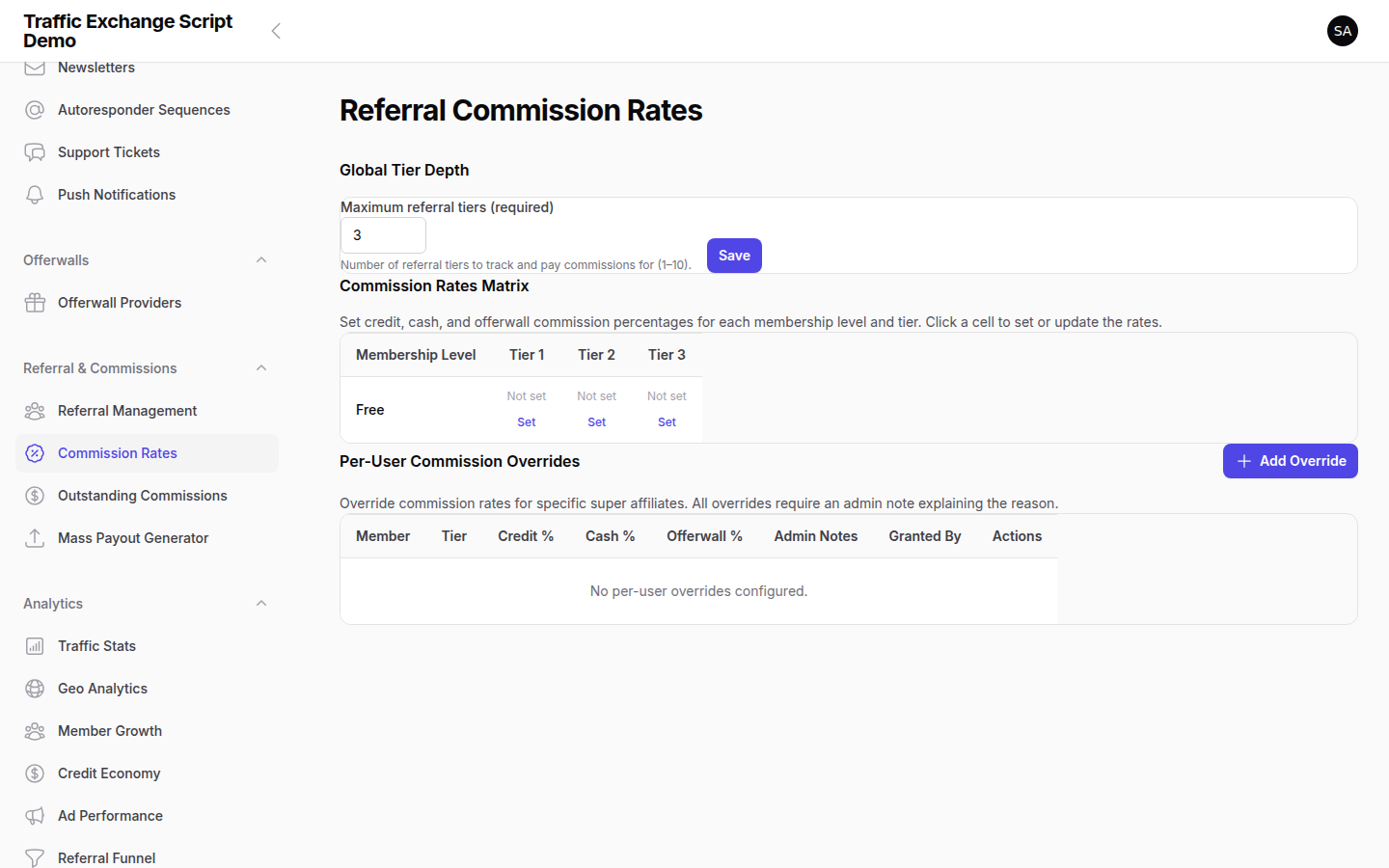
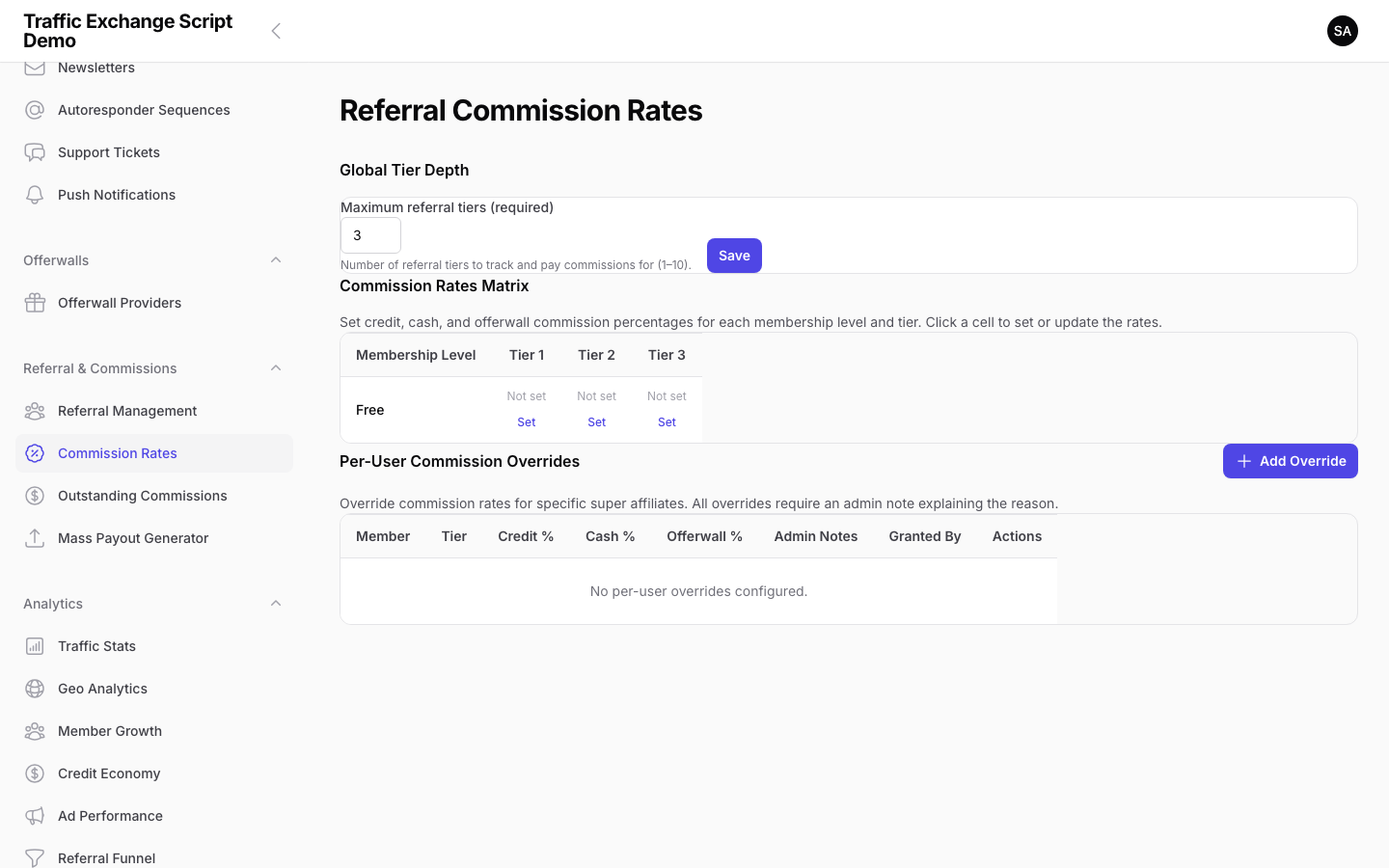
Navigate to Settings → Referral & Commissions to configure commission rates.
Supported commission types:
| Type | Description |
|---|---|
| Per purchase (%) | A percentage of each membership upgrade or deposit made by referred members |
| Per surf | A small credit reward for each site view completed by referred members |
| Recurring | Commission on recurring subscription renewals (if configured) |
Configure the percentage or flat amount for each type. Most operators set a purchase commission of 20–40% to remain competitive.
Commission Maturity Period
Commissions do not become withdrawable immediately — they must “mature” first. This protects against chargebacks and refund abuse.
The te:mature-commissions command runs hourly and moves commissions from pending to matured status once they have aged past the configured maturity period.
Configure the maturity period in Settings → Referral & Commissions → Maturity Period (e.g. 30 days).
Commission Balance
Matured commissions accumulate in the member’s commission balance. Members can: – Withdraw commissions (subject to the minimum withdrawal threshold) – Use their commission balance to pay for upgrades (via the Commission Balance gateway)
As operator, you control whether the Commission Balance gateway is enabled as a payment method.
Referral Assignment Rules
Navigate to Settings → Referral & Commissions → Assignment Rules.
| Rule | Description |
|---|---|
| First click wins | The first referrer link the visitor clicks is credited |
| Last click wins | The most recent referrer link before registration is credited |
| Referral cookie duration | How long the referral cookie persists (days) |
Downline Builder
The downline builder allows members to view their referral tree — who they referred, and who those members referred (to a configurable depth). This is a motivational tool that encourages active recruitment.
Enable or disable the downline builder under Settings → Referral & Commissions.
Referral Marketplace
The referral marketplace lets members buy and sell referrals. This is an optional feature for sites that want to offer a more active referral economy.
Configure marketplace settings under Settings → Referral Marketplace.
Viewing and Managing Commissions
Navigate to Members → Commissions to: – View all pending, matured, and paid commissions – Filter by member or date range – Manually adjust a commission if needed – Mark commissions as paid after manual payout
Mass Payout Generator
Navigate to Finance → Mass Payouts to process multiple withdrawal requests at once.
The mass payout generator: 1. Lists all approved withdrawal requests 2. Generates a payout file compatible with your payment processor (e.g. PayPal Mass Pay) 3. Marks payouts as processed after confirmation
The te:process-auto-payouts command runs hourly and can process withdrawals automatically if configured.
Referral Stats (Admin View)
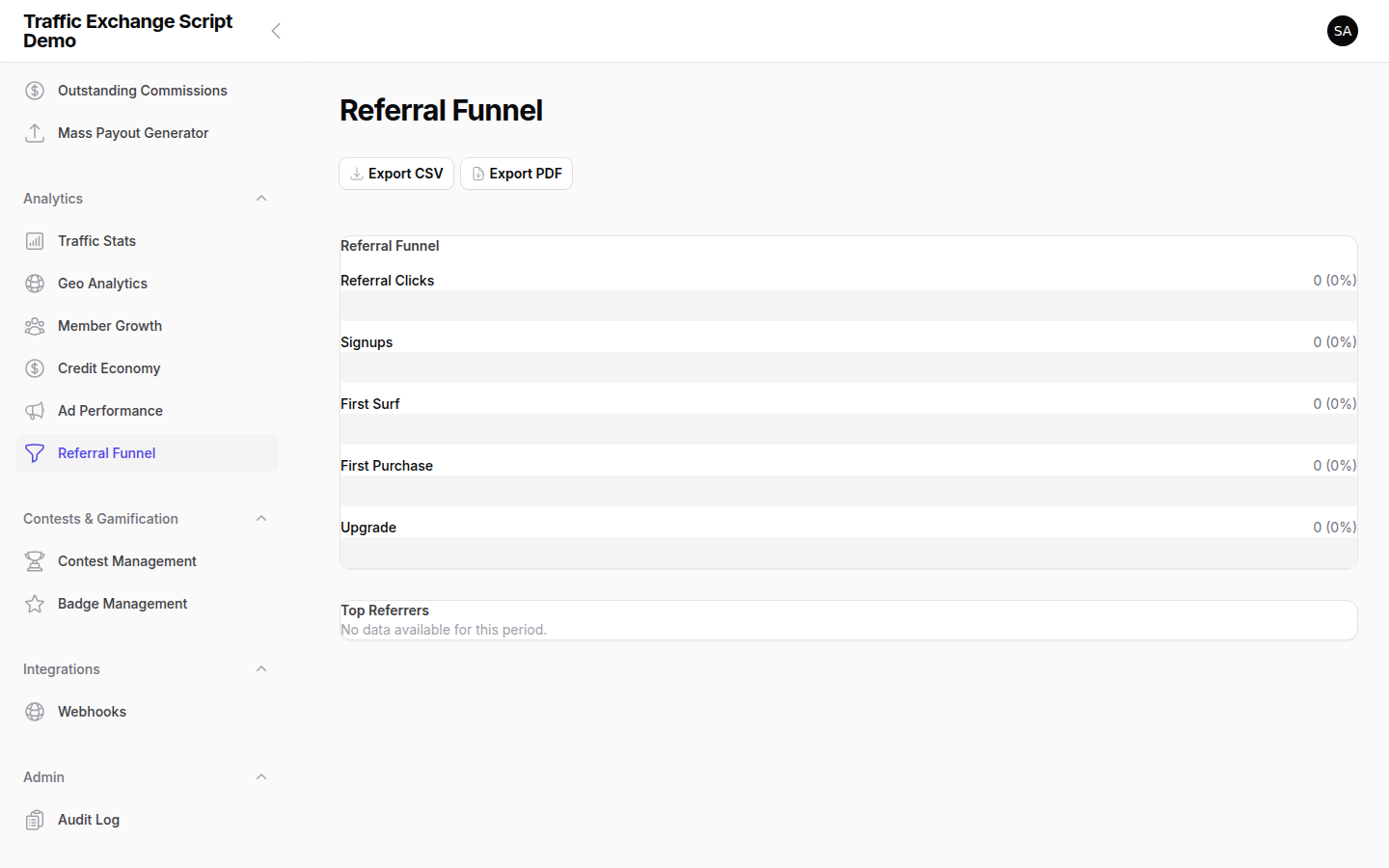
Navigate to Analytics → Referrals to see: – Top referrers by commission earned – Referral conversion rates (registrations → purchases) – Commission liability (total pending maturation) – Monthly commission payout totals
Screenshots