Ad Management — Banners, Text, PTC & Video
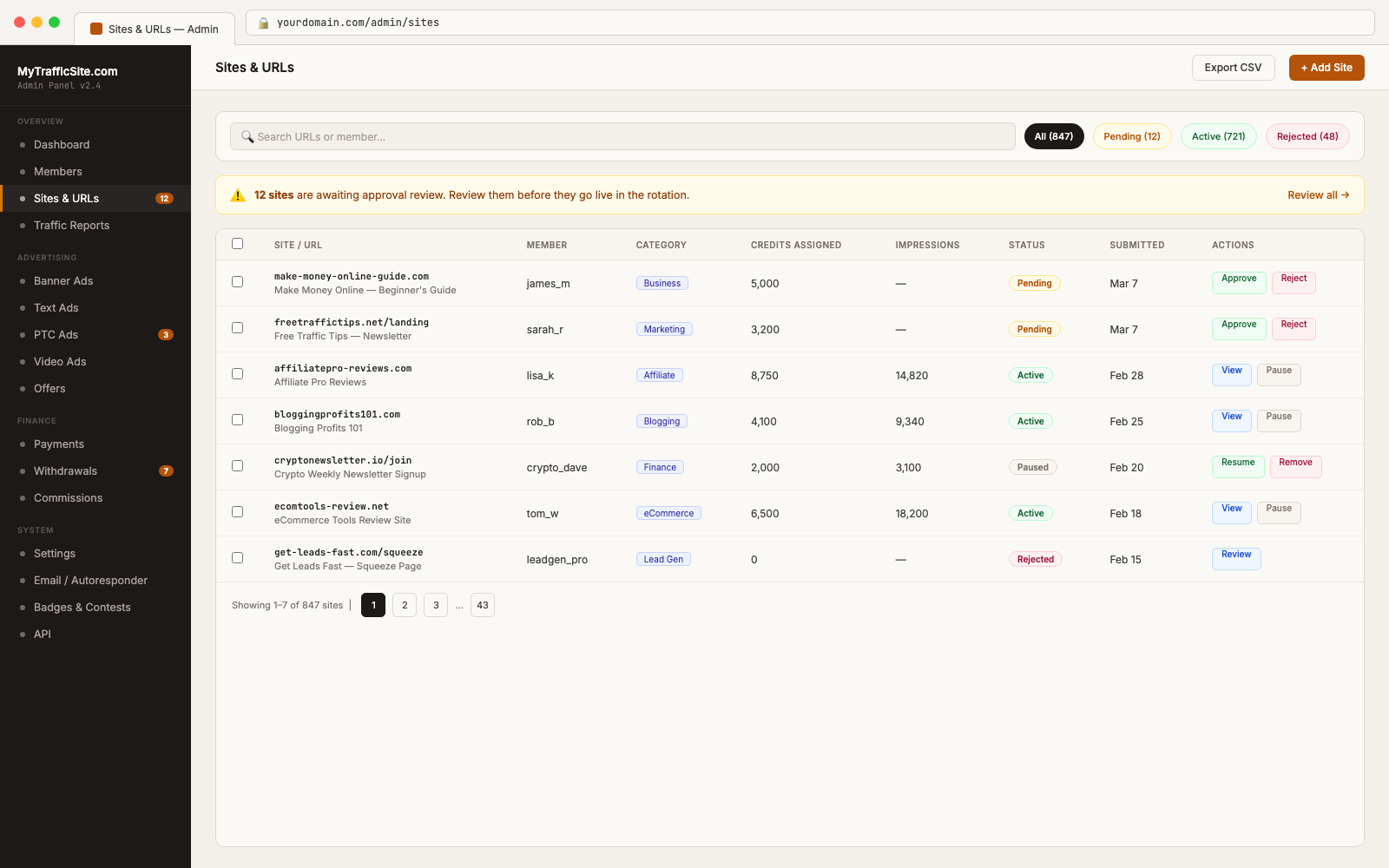
Traffic Exchange Script supports several types of advertising that members can purchase and that you, as the operator, configure and manage. This article covers each ad type from the operator’s perspective.
Ad Approval Workflow
All ad types (except spotlight ads in some configurations) go through an approval queue before going live. The workflow is:
- Member submits an ad
- Ad appears in Ads → Approval Queue in your admin panel
- You review and approve or reject the ad
- Approved ads enter the rotation and begin serving
You can configure auto-approval for trusted members if desired, but manual review is recommended when starting out.
Banner Ads
Banner ads are graphical ads displayed to members while they surf.
Supported Sizes
The script supports standard IAB banner sizes. The specific sizes available depend on your theme’s ad zones. Common defaults include: – 468×60 (Leaderboard) – 728×90 (Full Banner) – 300×250 (Medium Rectangle) – 160×600 (Wide Skyscraper)
Managing Banner Ads
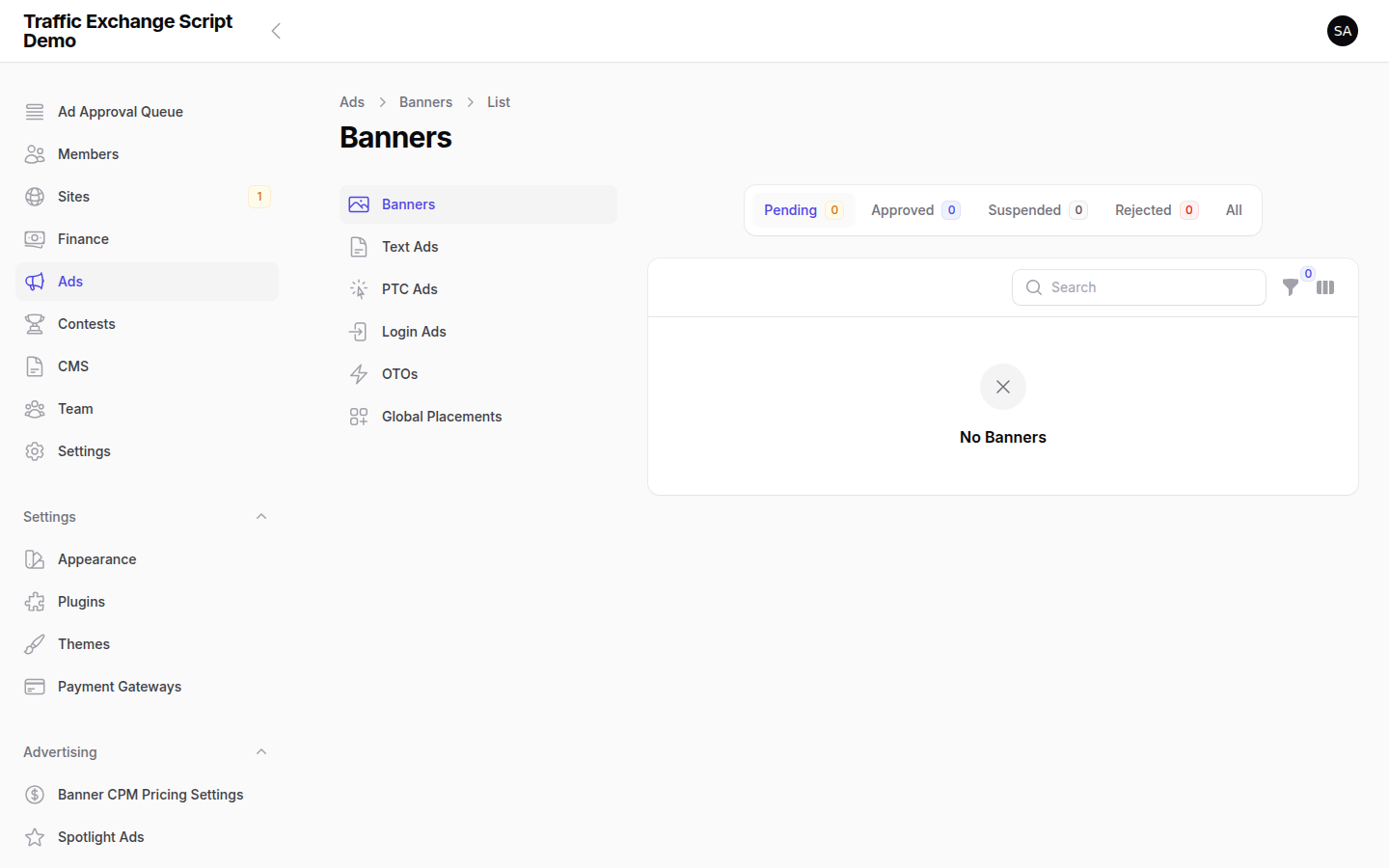
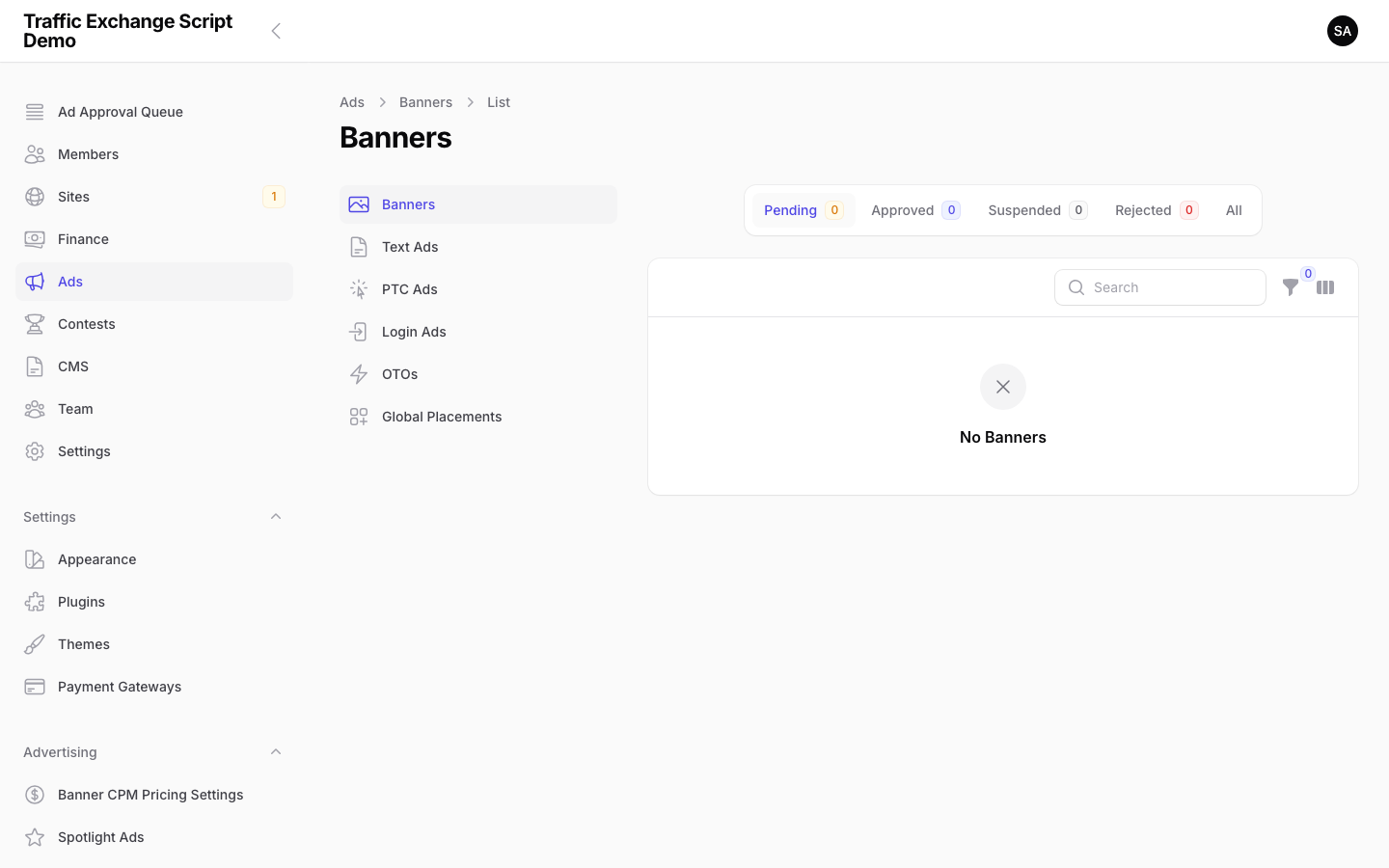
Navigate to Ads → Banners to view all submitted banner campaigns.
Status lifecycle:
– pending — awaiting admin review
– active — approved and serving
– paused — manually paused by admin or member
– rejected — failed review
– expired — campaign credits exhausted
Per-campaign settings you can edit: – Target URL – Banner image – Credit allocation (how many banner credits are spent per impression)
Banner Liveness Check
Active banners are periodically checked to ensure the target URL is reachable. The te:check-banner-liveness command runs hourly. If a banner’s target URL becomes unreachable, it is auto-paused and the member is notified.
Text Ads
Text ads are short text-based advertisements displayed in the surf bar and on member dashboards.
Text Ad Fields
| Field | Description |
|---|---|
| Title | Short headline (typically 25–50 characters) |
| Description | Ad body text |
| Target URL | Where members are sent when they click |
| Credits | Text ad credits to spend on the campaign |
Managing Text Ads
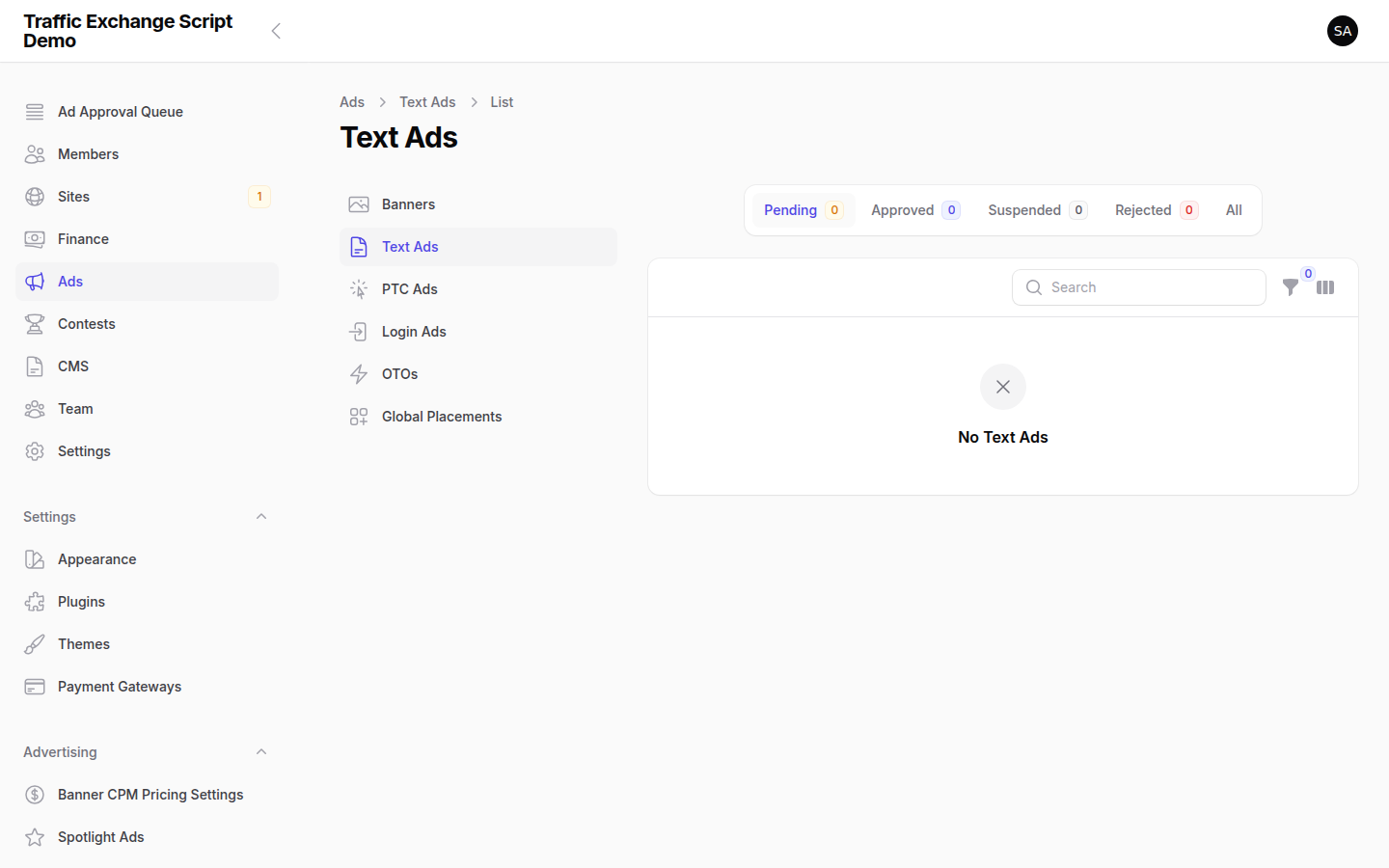
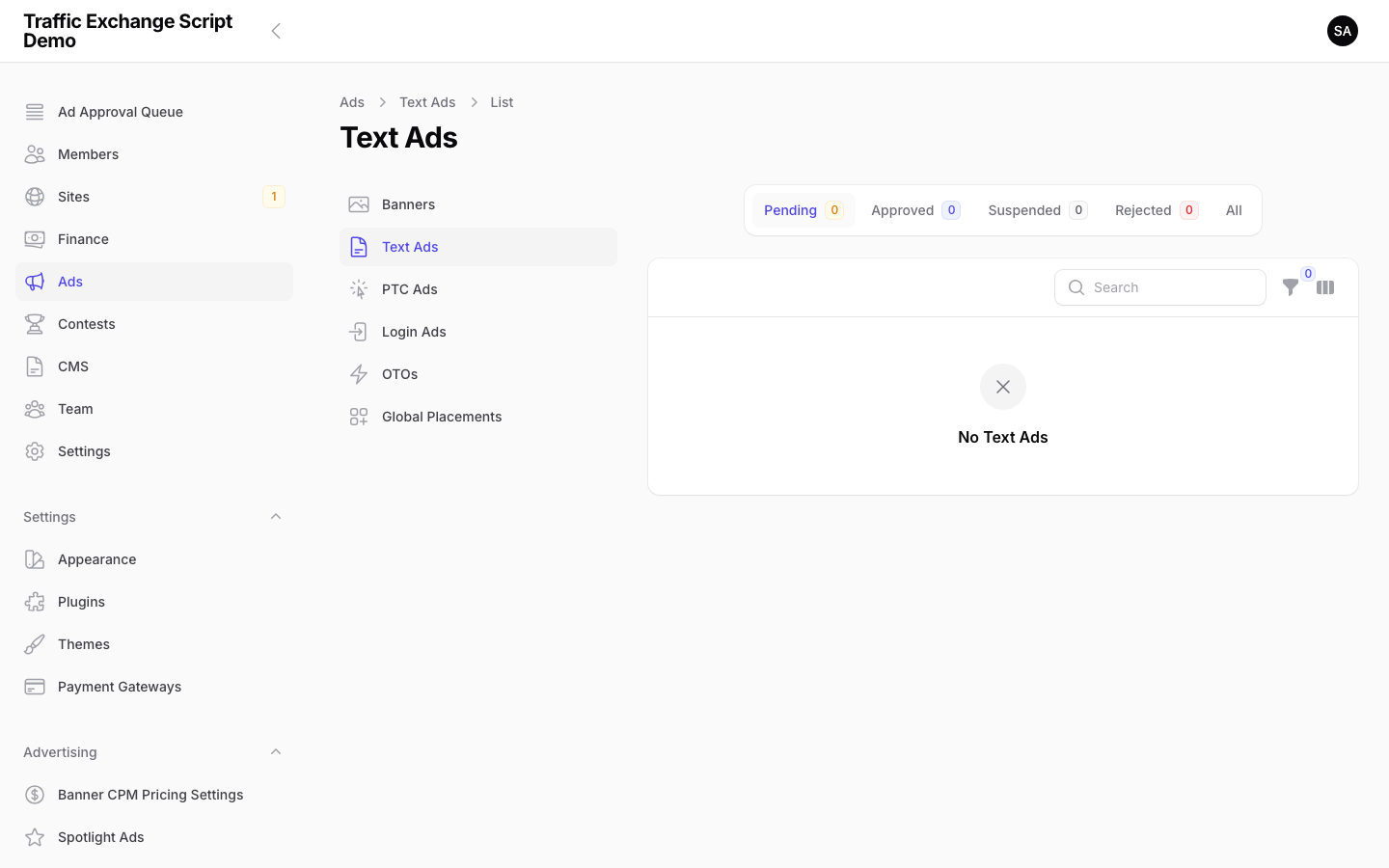
Navigate to Ads → Text Ads. Review pending ads and approve or reject them.
Text ads display in rotation alongside the surf session. They consume the member’s text ad credit balance with each impression.
PTC Ads (Paid-to-Click)
PTC ads pay members a small amount (in cash or credits) each time they view the ad. Members must actively click to view and wait a set number of seconds before earning the reward.
PTC Ad Settings (Admin)
Navigate to Ads → PTC Settings to configure:
| Setting | Description |
|---|---|
| View time | Seconds the member must watch before earning (set per-ad by the advertiser) |
| Reward type | Cash or credits per view |
| Fraud detection | Anti-cheat scoring is applied to PTC clicks |
Anti-Cheat for PTC
PTC ads are a common target for click fraud. The anti-cheat system monitors: – Timing patterns (clicks arriving too uniformly) – IP/fingerprint overlap with other accounts – Rapid successive clicks from the same member
Members who trigger fraud signals accumulate cheat score points. See Anti-Cheat Configuration.
Managing PTC Ads
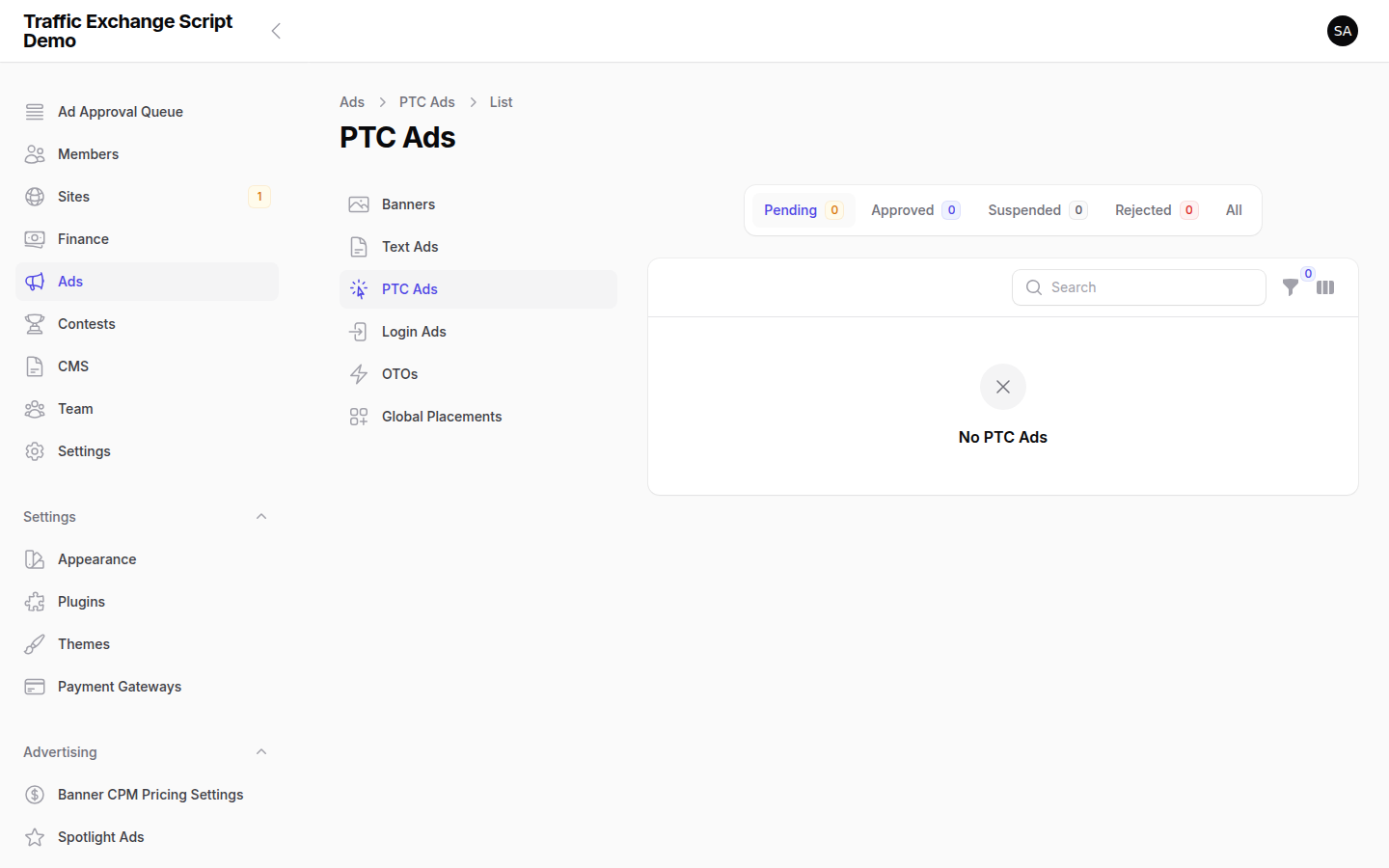
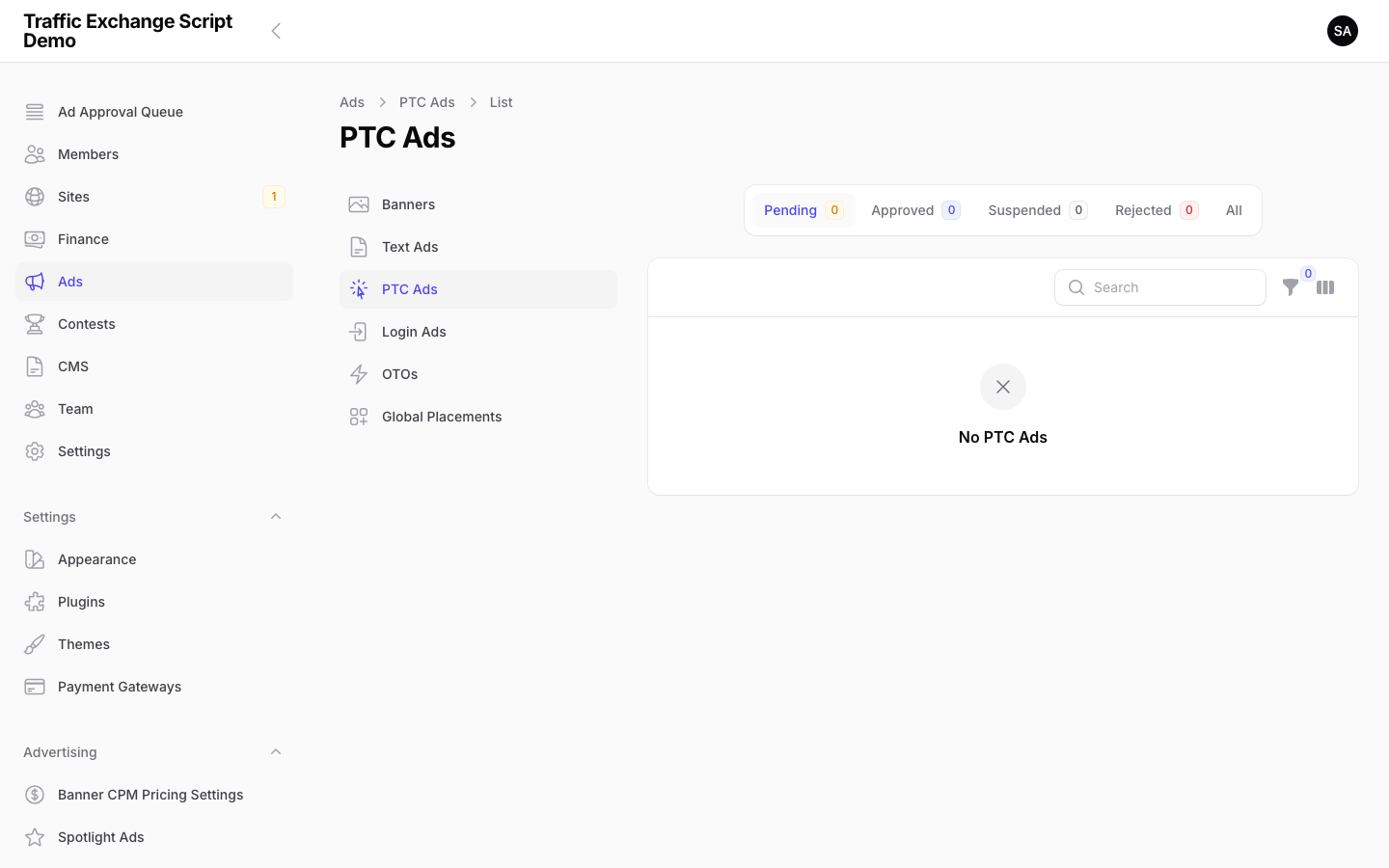
Navigate to Ads → PTC Ads. Review the approval queue and use the fraud signals dashboard to flag suspicious campaigns or members.
Login Ads
Login ads are displayed on the member login page. Types include: – Full-page interstitial before the login form – Banner placement on the login page sidebar/header
Navigate to Ads → Login Ads to manage these placements.
Spotlight Ads
Spotlight ads are premium fixed-position placements that members purchase by day, week, or month. Available positions and default pricing:
| Position | Day | Week | Month |
|---|---|---|---|
| Dashboard Top | $5.00 | $25.00 | $80.00 |
| Surf Bar Spotlight | $3.00 | $15.00 | $50.00 |
| Sidebar Featured | $2.00 | $10.00 | $30.00 |
| Email Header | $4.00 | $20.00 | $60.00 |
| PTC Page Top | $3.00 | $15.00 | $50.00 |
| Login Page Hero | $5.00 | $25.00 | $80.00 |
These prices are configured in config/te.php under spotlight_positions. To change them, update the values in that file or override via environment variables if your version supports it.
Navigate to Ads → Spotlight Ads to view and manage active spotlight placements.
Video Ads
Video ads display video content to members during their surf session. Members must watch for a minimum duration before earning credits.
Video Ad Configuration
Navigate to Ads → Video Ads. When reviewing video ad submissions: – Verify the video URL is accessible and plays correctly – Confirm the advertiser has sufficient credits to fund the campaign
Supported video sources depend on your theme/configuration. Common integrations include externally hosted video URLs.
Ad Queue Overview
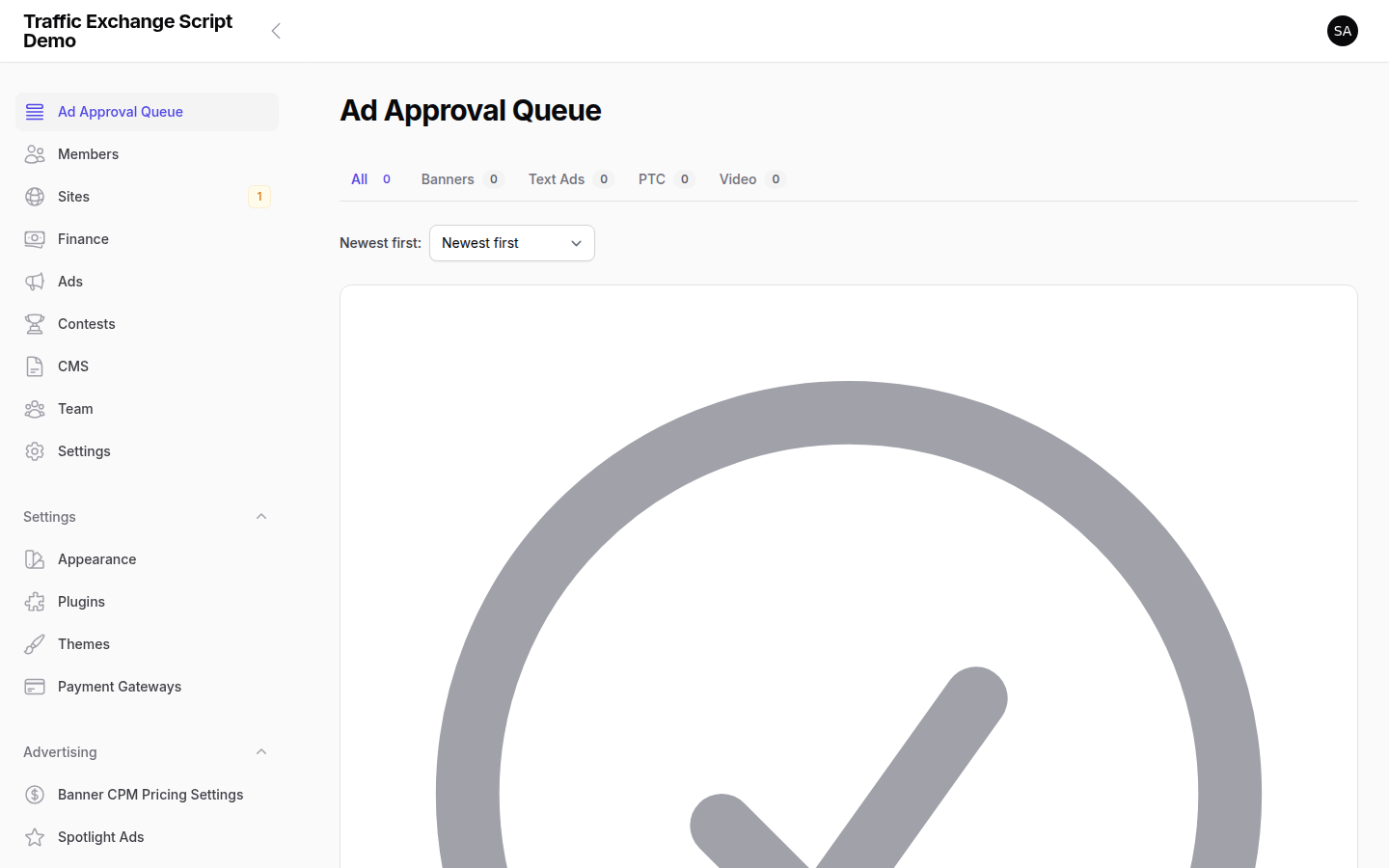
Navigate to Ads → Approval Queue for a unified view of all pending ads across all types. From here you can:
- Filter by ad type
- Bulk approve or reject
- Preview the ad before approving
Tip: Set aside time daily to clear the approval queue. Members with pending ads cannot run campaigns until approved, which affects their experience and your revenue.
Setting Credit Costs
Navigate to Settings → Credits to configure how many of each credit type are consumed per ad impression. Balancing credit ratios determines your site’s credit economy and how quickly members need to purchase more.

Screenshots