✅ Installation
Going-Live Checklist
Use this checklist before you open your traffic exchange to the public. Work through each section in order.
DNS Configuration
- [ ] Domain pointing to server — Your domain’s A record points to your server’s IP address
- [ ] www redirect —
www.yourdomain.comeither has a CNAME to your apex domain or its own A record - [ ] DNS propagation complete — Test with
dig yourdomain.comor a tool like whatsmydns.net - [ ] Mail DNS records — If sending email from your domain, set up SPF, DKIM, and DMARC records to improve deliverability
SSL / HTTPS
- [ ] SSL certificate installed — Your site loads at
https://yourdomain.comwithout browser warnings
For VPS (Let’s Encrypt / Certbot):
apt install -y certbot python3-certbot-nginx
certbot --nginx -d yourdomain.com -d www.yourdomain.com
Certbot will automatically update your Nginx config to handle HTTPS and redirect HTTP to HTTPS.
For cPanel: 1. Go to SSL/TLS in cPanel 2. Use Let’s Encrypt (AutoSSL) or install your own certificate
- [ ]
APP_URLset to HTTPS — In.env, confirmAPP_URL=https://yourdomain.com - [ ] HTTP redirects to HTTPS — Any request to
http://is redirected tohttps:// - [ ] WebSocket on HTTPS (VPS with Reverb only) — Reverb must also be accessible via
wss://. Configure your Nginx proxy accordingly.
Email Configuration
- [ ] Outbound email works — Test by using the password reset feature or send a test message from the admin panel
- [ ]
MAIL_FROM_ADDRESSis correct — Set to a real, deliverable email address - [ ] SPF record — Your domain has a valid SPF record allowing your mail server to send
- [ ] DKIM — Configured and verified with your email provider
- [ ] Email verification flow — New member registration triggers a verification email and the link works
Payment Gateway Verification
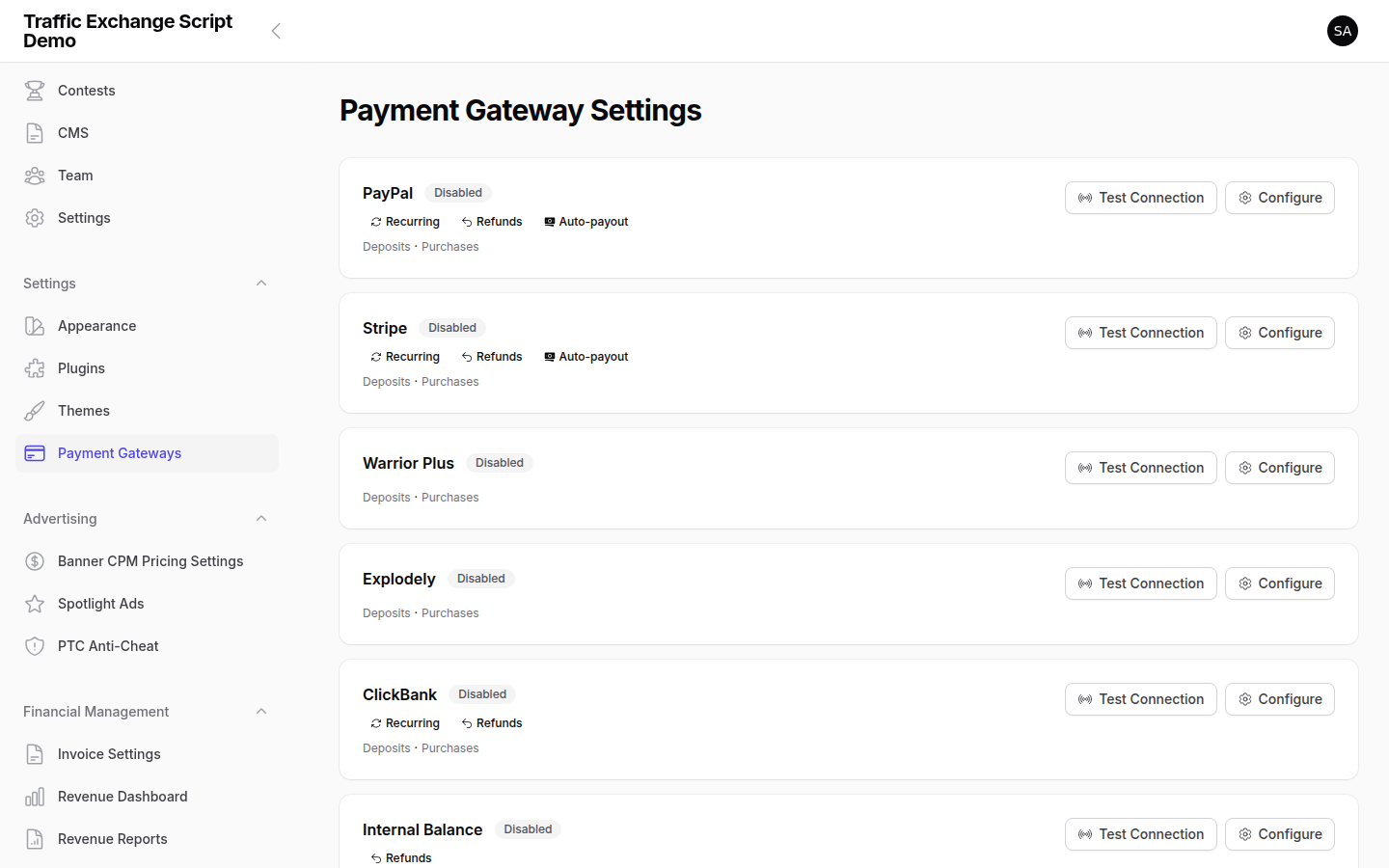
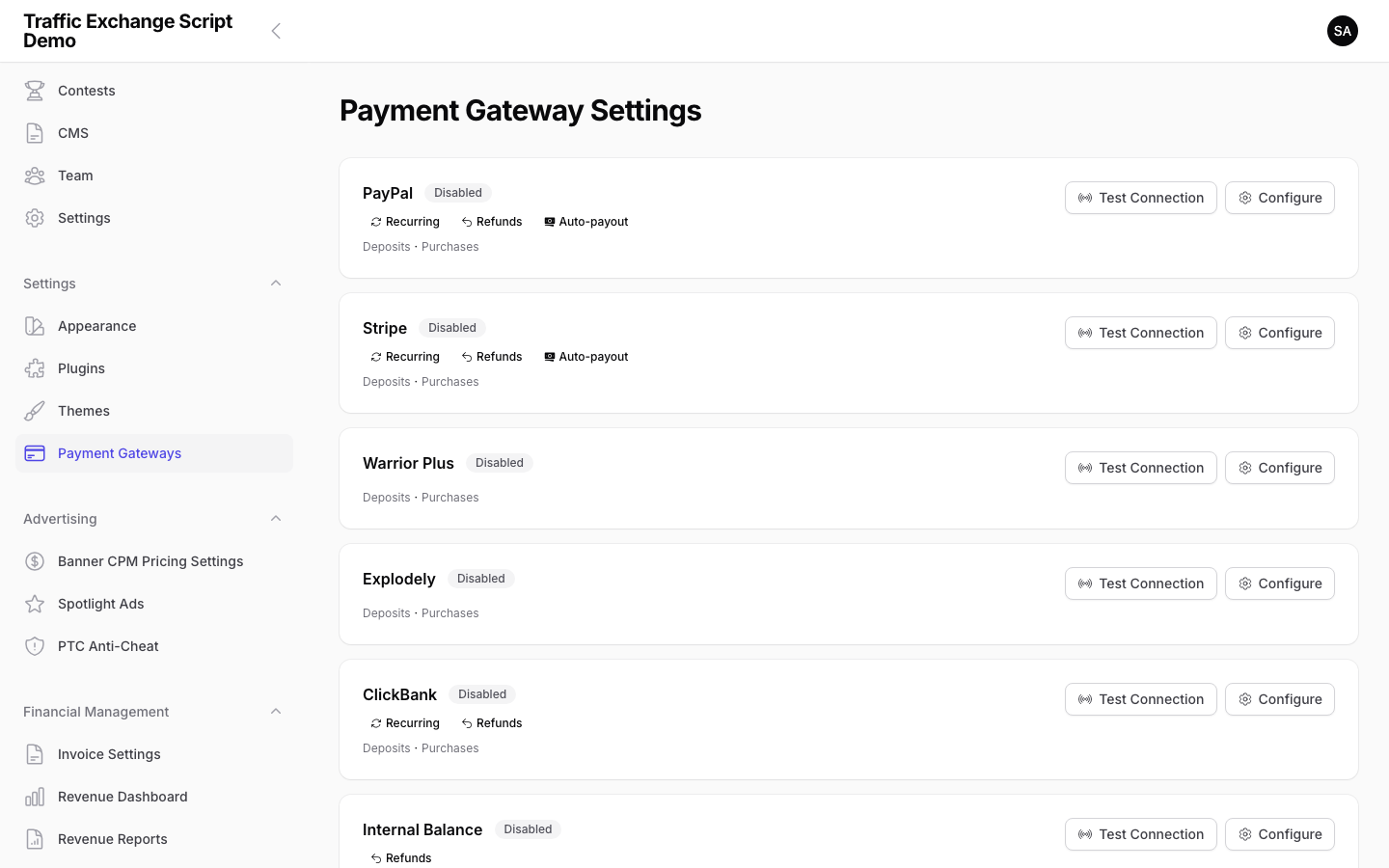
- [ ] At least one gateway enabled — Members can see payment options on the upgrade/deposit pages
- [ ] Webhook endpoints verified — Test each active gateway by processing a real (or sandbox) payment
- PayPal:
https://yourdomain.com/webhooks/paypal - Stripe:
https://yourdomain.com/webhooks/stripe - JVZoo:
https://yourdomain.com/webhooks/jvzoo - WarriorPlus:
https://yourdomain.com/webhooks/warriorplus - ClickBank:
https://yourdomain.com/webhooks/clickbank - Explodely:
https://yourdomain.com/webhooks/explodely - [ ] Sandbox mode disabled — PayPal and Stripe sandbox modes are turned off before accepting real payments (
PAYPAL_SANDBOX=false) - [ ] Withdrawal minimum set —
TE_MIN_WITHDRAWALis configured appropriately
Cron / Scheduler Verification
- [ ] Cron job added — The scheduler cron entry is configured (see Installation)
- [ ] Scheduler is running — Check
storage/logs/laravel.logfor scheduler activity, or runphp artisan schedule:listto see upcoming tasks - [ ] Queue workers running (VPS only) — Supervisor is running
te-workerprocesses:supervisorctl status
Script Configuration
- [ ]
APP_DEBUG=false— Debug mode is OFF in production (never expose debug output to the public) - [ ]
APP_ENV=production— Environment is set to production - [ ] License key active —
TE_LICENSE_KEYis set and validated (checkstorage/logs/laravel.logfor license errors) - [ ] Admin panel path changed — You’ve set a custom
TE_ADMIN_PATHin.env(defaultadminis well-known) - [ ] Config cache cleared — After any
.envchanges, runphp artisan config:clear(andphp artisan config:cacheon VPS)
Content and Branding
- [ ] Site name set —
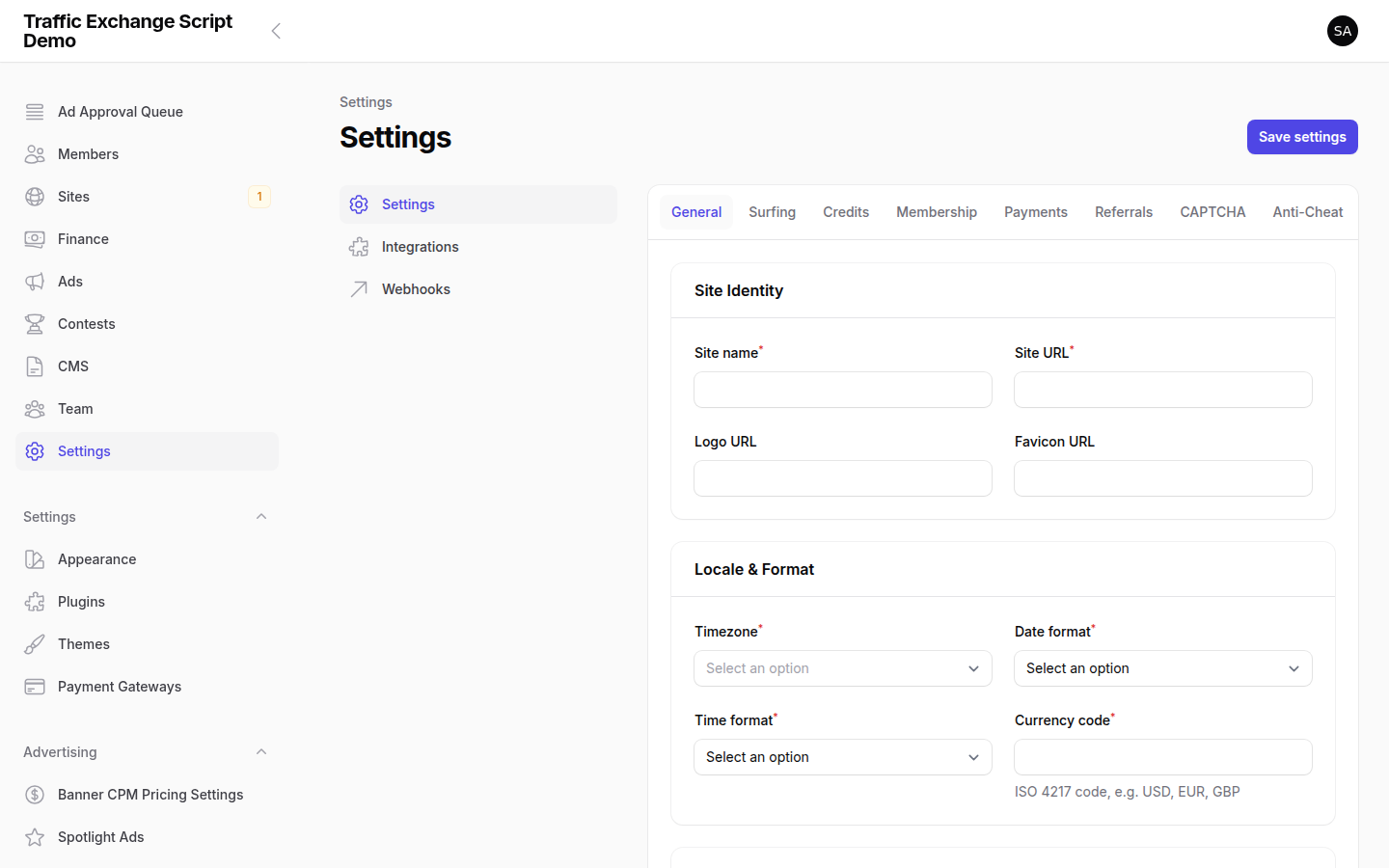
TE_APP_NAMEin.envand Settings → General match your brand - [ ] Logo uploaded — Your site logo is set under Settings → Appearance
- [ ] Support email set —
TE_SUPPORT_EMAILand Settings → General → Support Email are correct - [ ] Default membership level reviewed — Free tier has reasonable credit ratios and limits set
- [ ] Terms of Service / Privacy Policy — Create these pages via Admin → Pages before launch
Test Surf (End-to-End)
Before opening to the public, perform a test run as a member:
- [ ] Register a test account (use a different email/browser than your admin account)
- [ ] Verify the registration email arrives and the verification link works
- [ ] Log in as the test member
- [ ] Submit a test site to the surf queue
- [ ] Approve the test site in the admin panel (Sites → Approval Queue)
- [ ] Surf a few sites in manual mode — verify credits are awarded
- [ ] Try auto surf mode — verify it starts and awards credits
- [ ] Check that CAPTCHA appears after the configured interval
- [ ] Make a test deposit (sandbox/test mode) — verify the transaction appears
- [ ] Request a test withdrawal — verify it appears in the admin withdrawal queue
Security Final Check
- [ ] File permissions correct —
storage/andbootstrap/cache/are writable by the web server, all other directories are not world-writable - [ ]
.envis not web-accessible — Confirmhttps://yourdomain.com/.envreturns a 404 or 403 - [ ] PHP version confirmed —
php -vshows 8.3 or higher - [ ] Admin account uses a strong, unique password
Launch
Once all items above are checked, set Settings → General → Site Status to Open and share your URL. Congratulations on launching your traffic exchange!

Screenshots